
01
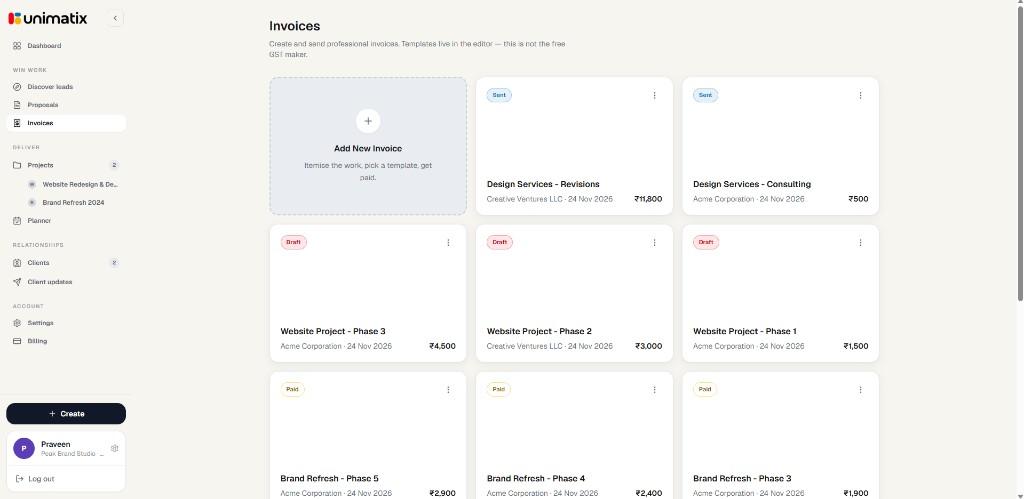
Status on every invoice
Each invoice shows whether it's paid, pending or overdue.
Finance
Mark invoices as paid when the money arrives and see at a glance which ones are still pending or overdue.
Free plan: 3 clients and 3 GST invoices a month. No card needed.
01
Each invoice shows whether it's paid, pending or overdue.
02
When a payment lands in your bank, mark the invoice as paid. Unimatix does not collect the money.
03
See which clients still owe you, so you know who to remind.
Raise a GST invoice as usual.
Update the status when the money arrives.
See open and overdue invoices at a glance.
Payment tracking connects to the rest of your client work.
No. Payment tracking records the status of each invoice. Your client pays you the way they do today.
When it passes its due date without being marked paid.
Yes, for the invoices you create.
Don't wait for the next busy month. Start free, no card needed. Prices in ₹.